This article outlines how a physician or dispensary employee may log into the Ohio Medical Marijuana Registry (OHMM Registry). There are two methods by which a physician and data submitter may log into the OHMM Registry.
| Prerequisites |
|---|
| To log into the Medical Marijuana Registry, physicians must have a PMP AWARxE account and an active Certificate to Recommend. Dispensary employees must be an employee of a retail dispensary and have an active license to dispense medical marijuana. |
Login from PMP AWARxE
- Navigate to https://ohio.pmpaware.net and login with your PMP AWARxE username and password.
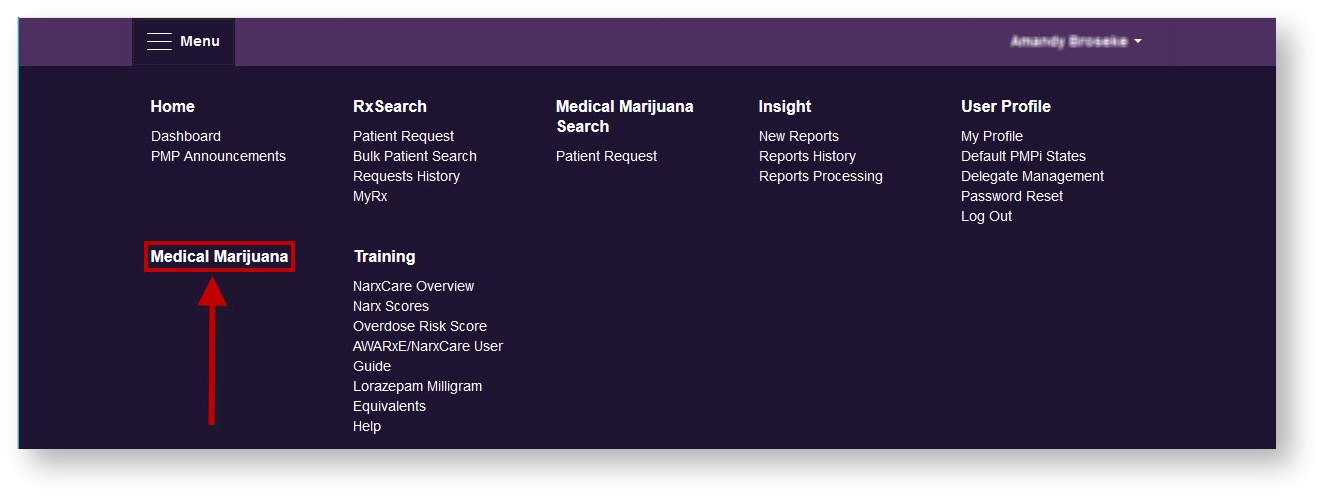
- Click "Menu"
-
Click "Medical Marijuana".
- You will be directed to https://www.ohiomedicalmarijuanaregistry.com/
-
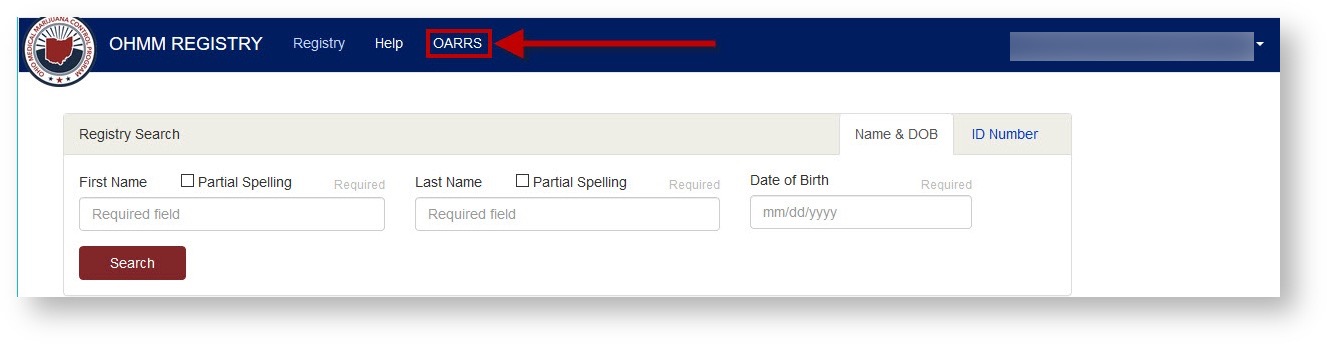
If at any time you would like to return to OARRS you can simply click on "OARRS" at the top of the OHMM Registry page.