This article outlines a patient or caregiver can download documents related to their Medical Marijuana Registration and MMR Account. These documents may include privacy statements and security terms.
- Navigate to https://www.ohiomedicalmarijuanaregistry.com/ and login.
- If you require assistance with logging in, please reference the article, Registrant Login Assistance
-
On the home page, in the"Registry Details" section and the "Card" tab, click "Documents".
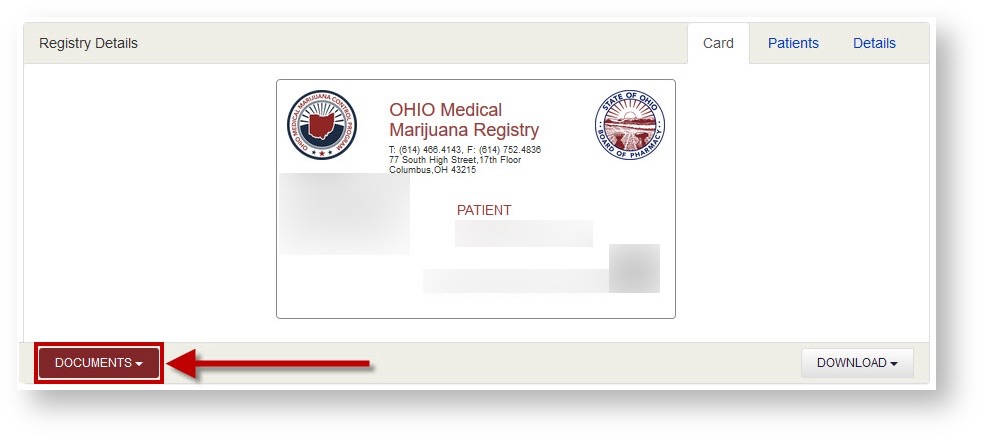
- Select the document that you wish to download. Depending on your browser, you may be prompted to save or download the document. The document may also automatically be placed in your downloads folder.
- Once you have downloaded your document, print it as you print any file of the same type.