This article outlines how a patient can view and add or edit their caregivers on their Medical marijuana Registry account.
View Caregivers
- Navigate to https://www.ohiomedicalmarijuanaregistry.com/ and login to you MMR account.
- If you experience difficulties logging in, see article, Registrant Login Assistance
-
On the site's Home page, in the "Registry Details" section, click the "Caregivers" tab.
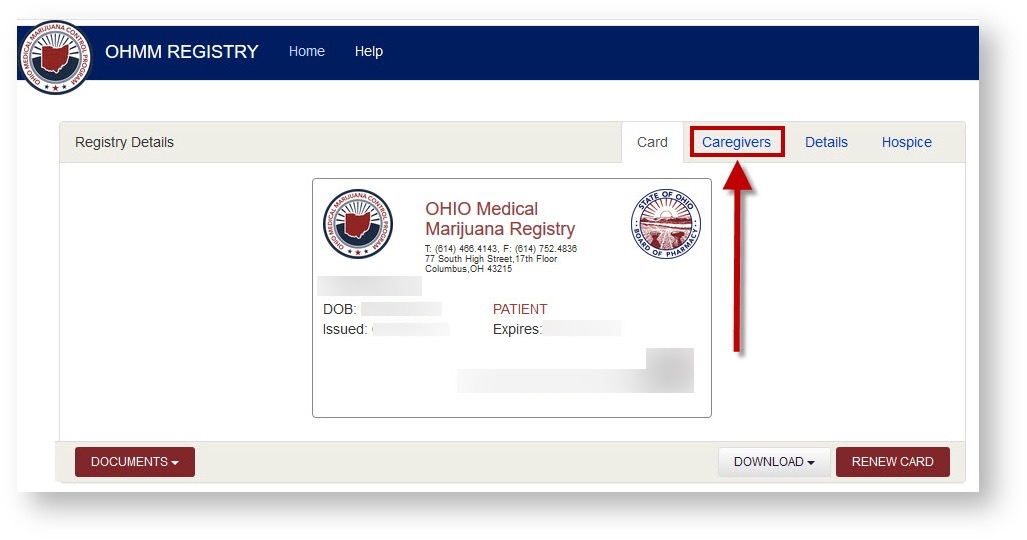
- You will be provided with a list of caregivers; the listing includes the columns "Name", "Relationship", "Caregiver Status", and "Registry Status".
-
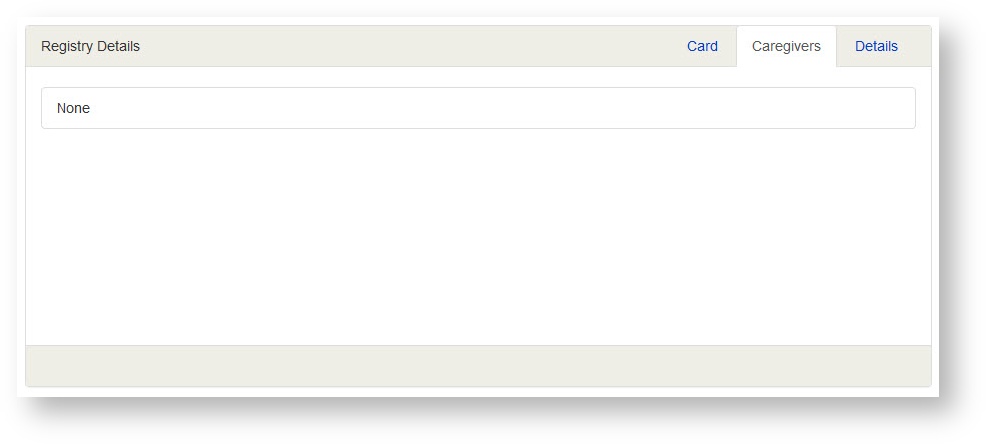
If a patient has no caregivers, the "caregivers: tab states "None".
-
Add/Edit Caregivers
Caregivers are added or edited by your physician. Please contact your physician to have a caregiver added or edited.